Do more, type less.
Dictate, take notes, and command your Mac — privately, on-device, by voice. No cloud. No subscription.
Vocalis is only available for Mac. Open this page on your Mac to download.
Three ways to use your voice
One app. Everything your voice can do on a Mac.
Built for how you actually work
Powerful features that stay private
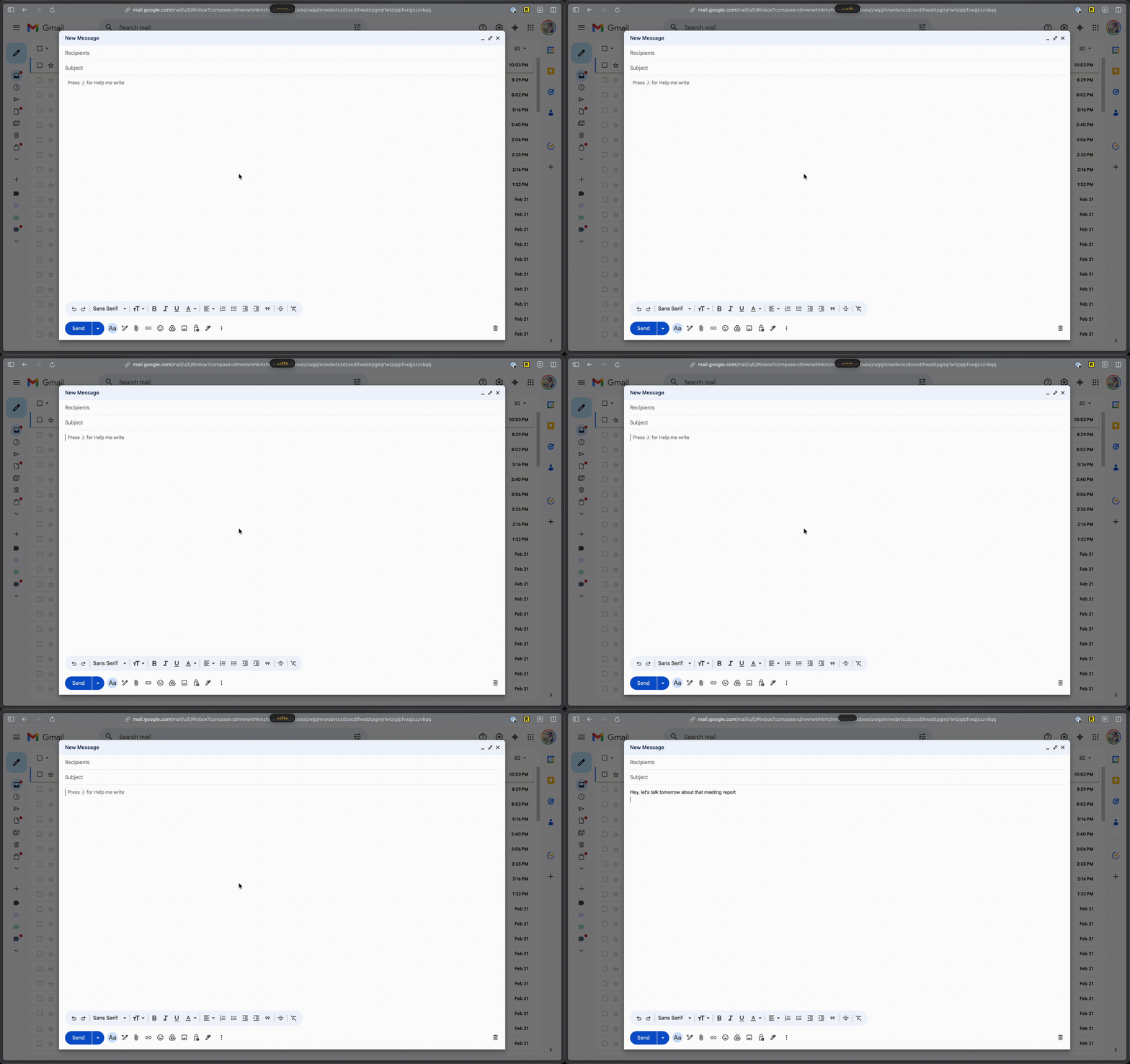
Dictate Into Any App
Speak naturally and Vocalis types into your active app. Works with Slack, Notion, Mail, VS Code — wherever you write.
AI Meeting Notes
Join meetings without bots. Vocalis captures and summarizes conversations into clean, actionable notes.
Voice Commands
Open apps, find files, adjust settings — by voice. Natural language that your Mac understands.
Complete Privacy
Every word stays on your device. No cloud uploads, no data collection. 100% offline capable.
Smart History
Every dictation, note, and command — saved and searchable. Replay, copy, or share anything.
Make It Yours
Customize AI prompts, hotkeys, and voice behavior. Tailor Vocalis to your exact workflow.
Track your productivity
See how much time you save with voice-to-text
*Example data shown. Your stats stay private on your device.
Deeply integrated with macOS
A native companion, not just another app
- Lives in your menu barAlways one click or hotkey away. Dictate, take notes, or run commands without switching apps.
- Works across your entire MacDictates into any text field, listens during calls, and executes system-level commands.SlackNotionMailNotesVS CodeChrome
- Global hotkeyPress Fn from anywhere. Vocalis knows whether you want to dictate or run a command.
Simple, honest pricing
One-time purchase. No subscriptions. No hidden fees.
- 5 minutes of dictation per day
- Standard AI model
- History & search
- Voice commands
- Free updates
Vocalis is only available for Mac. Open this page on your Mac to download.
- Unlimited dictation
- Pro AI model (9B)
- History & search
- Voice commands
- Free updates
30-day money-back guarantee
Frequently Asked Questions
Everything you need to know about Vocalis
Is Vocalis really 100% private?
Yes, all processing happens on-device using open-source models that run locally on your Apple device. No audio or text is ever sent to the cloud.
Do I need an internet connection?
No. Vocalis works entirely offline once installed. Download the language model on first launch and you're set.
What languages are supported?
Vocalis supports all languages available through the open-source models it uses, including English, Spanish, Portuguese, French, German, Japanese, Chinese, and many more.
Is there a subscription or monthly fee?
No. Vocalis is a one-time purchase with no recurring fees.
What macOS version do I need?
Vocalis requires macOS 14 Sonoma or later.
How accurate is the transcription?
Vocalis uses Apple's latest on-device speech recognition models, which deliver high accuracy for natural speech. Results improve with clear audio and supported languages.
Can I use Vocalis in any app?
Yes. Dictation works in any text field. Meeting notes are captured in Vocalis's built-in notepad. Commands interact directly with macOS.
Why is the download file so big?
Vocalis embeds speech recognition models directly into the app binary so everything runs locally on your Mac — no additional downloads or cloud dependencies needed. This is what enables fully offline, private operation right from the first launch.
What can I do with voice commands?
Open and switch apps, search files, control system settings, and more — all by speaking naturally.
How do meeting notes work?
Start a meeting notes session during a call. Vocalis transcribes with speaker diarization and summarizes key points — no bots required.
What hardware does Vocalis require?
Vocalis currently requires a Mac with Apple Silicon (M1 or later). Intel-based Macs are not supported, as the on-device AI models are optimized for Apple's Neural Engine.
Ready to talk to your Mac?
Dictate, take notes, and run commands — all by voice. Private and powerful.
Vocalis is only available for Mac. Open this page on your Mac to download.