
Stop typing. Start talking
Transform speech into polished text—entirely on your device.
No cloud. No monthly fees. 100% private.
Built for your workflow
Everything you need to write faster, without breaking focus
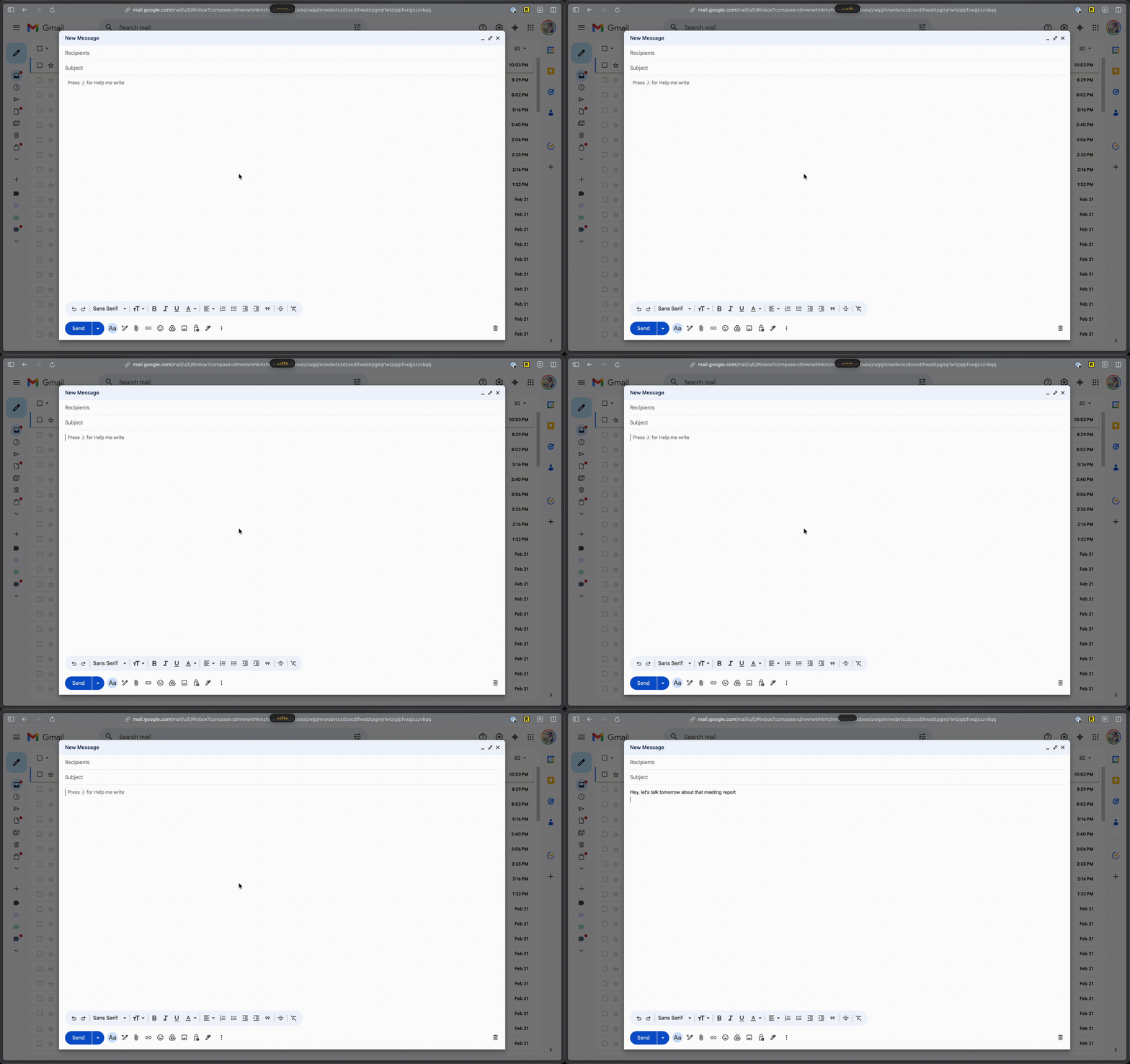
Everything you need
Powerful features that respect your privacy
Complete Privacy
Every word stays on your device. No cloud uploads, no data collection. 100% offline capable.
Instant Workflow
Record, transcribe, improve, paste—all with one hotkey. Pastes directly into your active app.
AI Text Improvement
Advanced on-device AI transforms rough dictation into polished, professional text—entirely on your Mac.
Studio-Quality Transcription
State-of-the-art speech recognition delivers 95%+ accuracy with natural punctuation and formatting.
Smart History
Search, replay, and share your transcripts. Everything you've said, instantly searchable.
Make It Yours
Customize themes, AI prompts, and hotkeys. Tailor Vocalis to your exact workflow.
Track your productivity
See how much time you save with voice-to-text
*Example data shown. Your stats stay private on your device.
Built for macOS
Native experience, seamless integration
- Lives in your menu barAlways accessible, never in the way
- Works everywhereAuto-pastes into any app you're using
- Global hotkeyPress Fn from anywhere to start recording
Frequently Asked Questions
Everything you need to know about Vocalis
Is Vocalis really 100% private?
Yes, all processing happens on-device using open-source models that run locally on your Apple device. No audio or text is ever sent to the cloud.
Do I need an internet connection?
No. Vocalis works entirely offline once installed. Download the language model on first launch and you're set.
What languages are supported?
Vocalis supports all languages available through the open-source models it uses, including English, Spanish, Portuguese, French, German, Japanese, Chinese, and many more.
Is there a subscription or monthly fee?
No. Vocalis is a one-time purchase with no recurring fees.
What macOS version do I need?
Vocalis requires macOS 14 Sonoma or later.
How accurate is the transcription?
Vocalis uses Apple's latest on-device speech recognition models, which deliver high accuracy for natural speech. Results improve with clear audio and supported languages.
Can I use Vocalis in any app?
Vocalis works as a menu bar utility that types into any text field.
Why is the download file so big?
Vocalis embeds speech recognition models directly into the app binary so everything runs locally on your Mac — no additional downloads or cloud dependencies needed. This is what enables fully offline, private operation right from the first launch.
Ready to dictate smarter?
Download Vocalis and transform how you write—privately.
macOS 14 Sonoma or later